
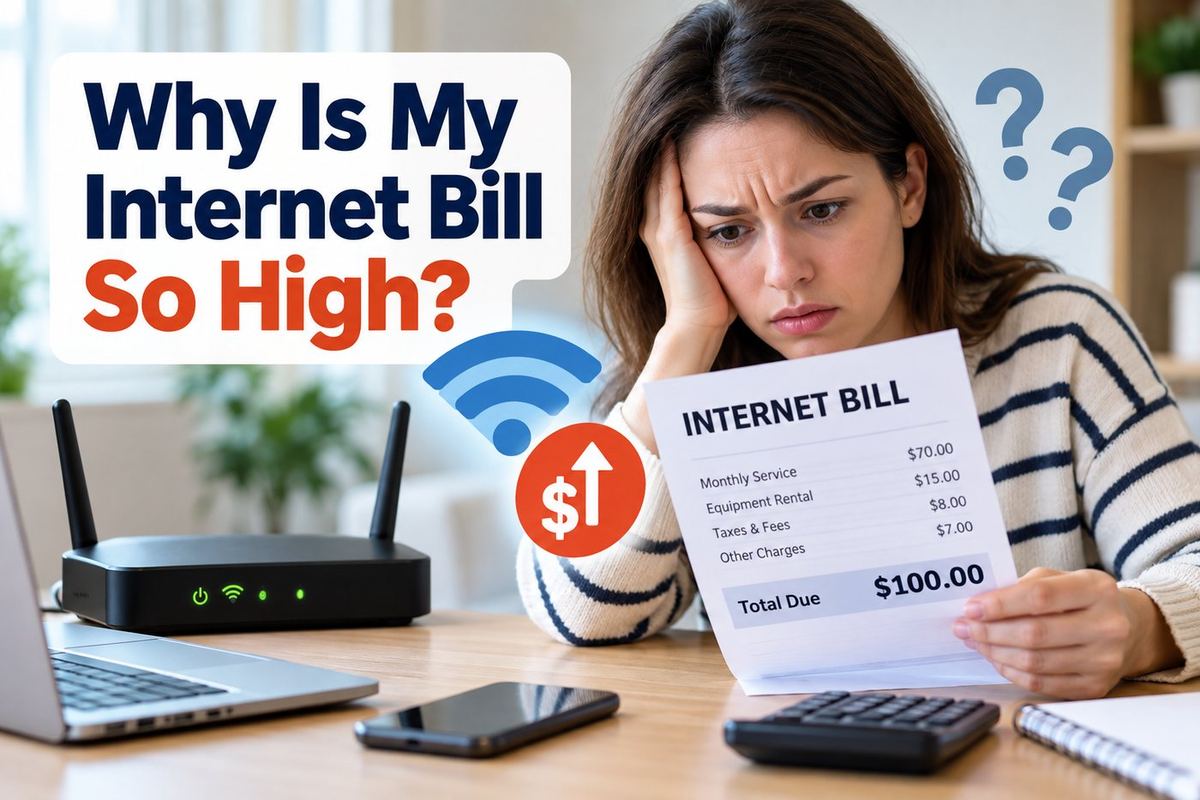
If your internet bill suddenly increased, do not assume you are simply using more data. A higher bill can come from an expired promotional rate, equipment rental fees, annual price increases, upgraded service, or extra charges. Start by comparing your current bill with the previous month and checking each charge line by line. This guide will help you find the real cause of a high internet bill and decide what to cut first.
Quick Answer: Why Is My Internet Bill So High?
A high internet bill usually comes from one of four things: an expired promotional rate, higher monthly pricing, equipment or service fees, or changes to your internet plan. Compare your current bill with the previous month and check each charge before changing providers or downgrading your service.
Table of Contents
5-Minute Internet Bill Diagnosis
Before changing internet providers, check four things on your bill: your base monthly price, equipment fees, promotional discounts, and any extra service charges. Comparing these items with your previous bill can quickly show exactly why your internet cost increased.
Step 1: Compare Your Current Bill With the Previous Month
Look at both bills side by side and identify which charge changed. Pay particular attention to the monthly service price, modem or router rental fees, taxes, and additional services.
Step 2: Check Whether a Promotional Rate Expired
Many internet providers offer introductory pricing for a limited period. When that promotion ends, your monthly bill may increase automatically even though your internet plan has not changed.
Step 3: Review Equipment and Extra Service Fees
Check for modem rental, router rental, Wi-Fi equipment, security services, technical support plans, or other monthly add-ons. Several small fees can significantly increase the total bill.
10 Common Reasons Your Internet Bill Is So High
1. Your Promotional Rate Expired
Many internet providers offer discounted introductory rates for new customers. When the promotional period ends, your monthly price may automatically increase even though your plan and internet speed have not changed.
2. Your Provider Raised the Monthly Price
Internet companies may increase standard monthly rates over time. Compare your current bill with older statements to see whether the base service price has increased.
3. You Are Paying Equipment Rental Fees
Monthly modem, router, or Wi-Fi equipment rental fees can add a noticeable amount to your bill. Check whether purchasing compatible equipment could reduce recurring costs over time.
4. You Upgraded to a Faster Internet Plan
A recent speed upgrade may be responsible for the higher bill. Review your plan and consider whether your household actually needs the level of speed you are currently paying for.
5. Extra Services Were Added to Your Account
Security packages, premium technical support, Wi-Fi extenders, cloud storage, or other add-on services can quietly increase your monthly internet cost. Review every recurring charge on your statement.
6. Your Bundle or Discount Changed
Discounts tied to mobile, television, phone, or other bundled services may change or expire. Losing a bundle discount can increase your internet bill even if your internet service itself stayed the same.
7. You Were Charged for Data Overages
Some internet plans include monthly data limits. If your household exceeds the allowance, additional data charges may appear on your bill. Check your usage history and plan terms if the increase happened suddenly.
8. Taxes, Fees, or Surcharges Increased
Your total bill may rise because of changes in taxes, regulatory fees, or other provider charges. Compare the fee section of your current bill with previous months.
9. A One-Time Charge Appeared on Your Bill
Installation fees, technician visits, replacement equipment, activation charges, or late fees can cause a temporary increase. Look for charges that do not appear as regular monthly expenses.
10. You Are Paying for More Internet Than You Need
Many households pay for speeds or features they rarely use. If your internet usage is mostly browsing, streaming, email, and everyday work, a less expensive plan may still provide enough performance.
How to Lower Your Internet Bill
Start by removing unnecessary charges before switching providers. Promotional discounts, equipment fees, unused add-ons, and an oversized internet plan are often the easiest places to save money.
1. Call Your Provider and Ask for a Better Rate
Contact your internet provider and ask whether any current promotions, loyalty discounts, or retention offers are available. Mention competing offers in your area if you have found a lower price.
2. Downgrade Your Internet Plan if You Do Not Need the Speed
Check how much internet speed your household actually uses. If you are paying for a premium plan but mainly browse, stream, and use email, a lower-cost plan may be enough.
3. Buy Your Own Modem or Router
If your provider allows customer-owned equipment, buying a compatible modem or router may eliminate monthly rental fees. Compare the upfront equipment cost with the amount you currently pay each month.
4. Remove Services and Add-Ons You Do Not Use
Review your bill for security packages, premium support, Wi-Fi extenders, cloud services, or other recurring extras. Cancel anything that no longer provides enough value.
5. Ask About Discounts or Loyalty Offers
Call your provider and ask whether there are any loyalty discounts, autopay discounts, paperless billing discounts, or current promotions that can lower your monthly bill.
6. Compare Other Internet Providers in Your Area
Check whether another provider offers similar speed at a lower price. Even if you do not switch, competing offers can give you useful leverage when negotiating with your current provider.
7. Review Your Internet Bill Every Few Months
Internet bills can change quietly over time. Review your bill every few months so you can catch expired promotions, new fees, or unnecessary services before they become long-term expenses.
If other household utility bills are rising too, read our guide: Why Is My Electric Bill So High? 15 Causes and How to Lower It
Frequently Asked Questions
Why Did My Internet Bill Suddenly Go Up?
A sudden increase often happens because a promotional rate expired, your provider raised its standard price, a new fee was added, or a one-time charge appeared. Compare your current bill with the previous month to find the exact difference.
Can I Negotiate My Internet Bill?
Yes. Contact your provider and ask about current promotions, loyalty discounts, or retention offers. Having prices from competing providers available can give you more leverage when negotiating.
Is It Cheaper to Buy My Own Modem and Router?
It can be cheaper over time if your provider charges monthly equipment rental fees. Before buying equipment, confirm that the modem or router is compatible with your provider and internet plan.
How Often Should I Review My Internet Bill?
Review your internet bill at least every few months and whenever the monthly total changes. This makes it easier to catch expired discounts, price increases, and unnecessary add-on services.
If heating costs are also increasing, read our guide: Why Is My Gas Bill So High? 12 Causes and How to Lower It
Final Thoughts on High Internet Bills
If you are asking why your internet bill is so high, start by comparing your current bill with previous months before changing providers. Check your monthly rate, equipment fees, promotional discounts, and unnecessary add-ons. A few small changes can often lower your internet bill without sacrificing the speed or service your household actually needs.